Change the Local Access Password on the Setup Page
The local access password protects the charger's setup page and its hotspot. You can change it on the setup page, or in the MyPlugStream app. To decide which, and for everything else about the password, see Your charger's local access password.
The app can't show a password changed here
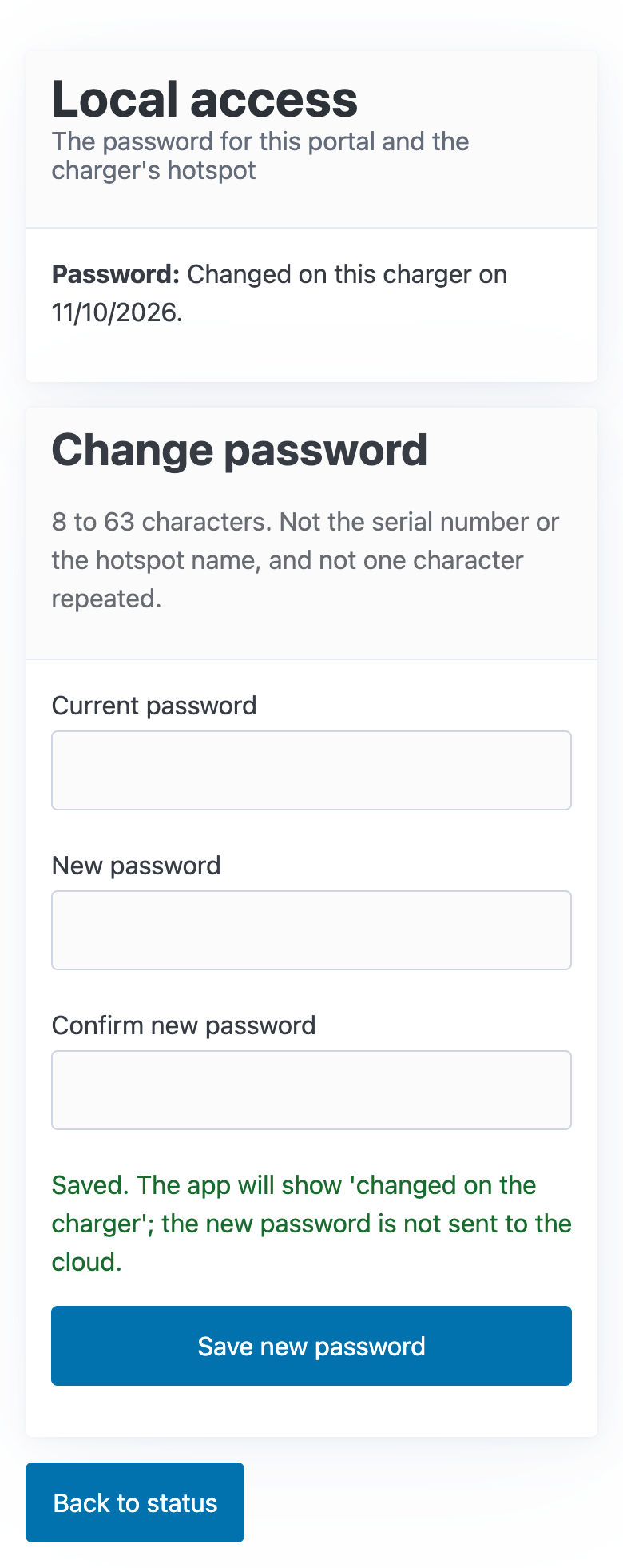
A password you change on the setup page stays on the charger. It is never sent to PlugStream, so the app shows Changed on the charger and can't show the password. Keep a note of it.
Change it
- Open the setup page and log in. See Open and log in to the setup page.
-
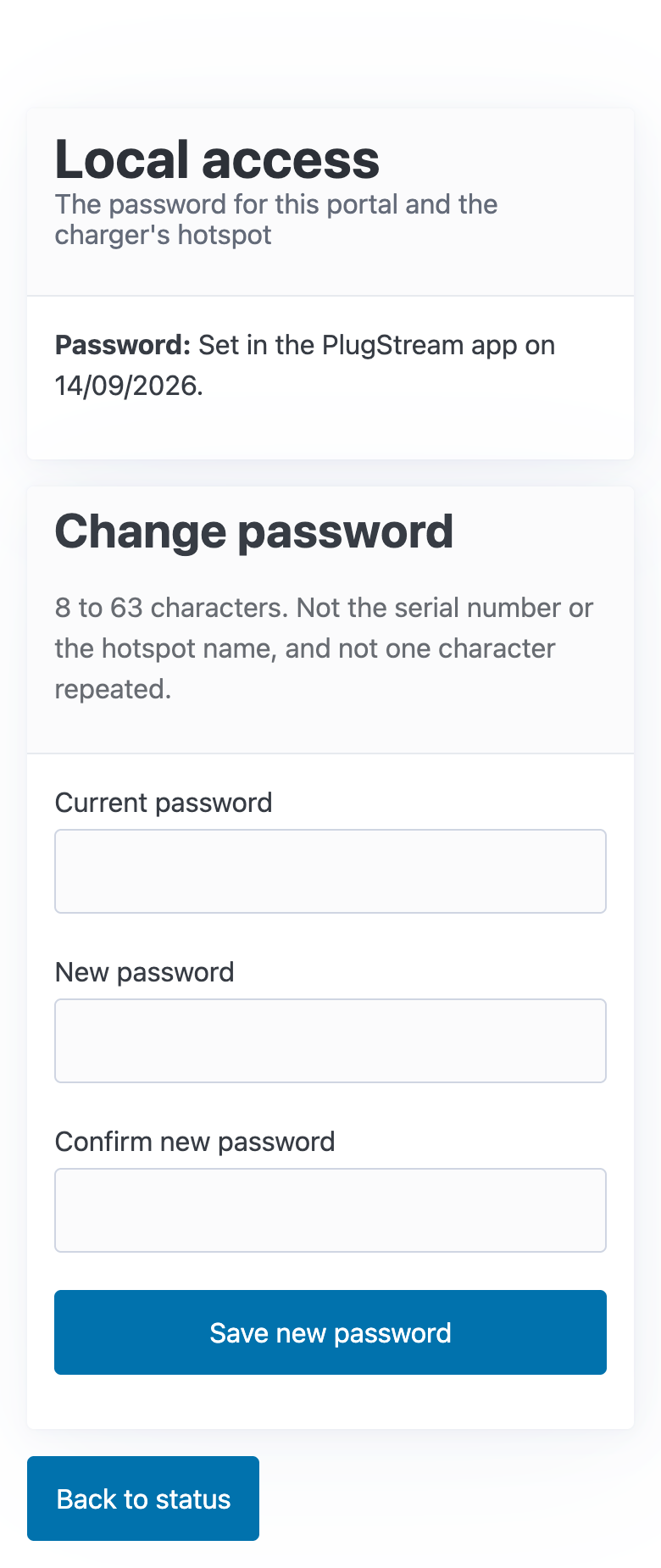
Tap Local access. The page shows where the current password came from, for example Set in the PlugStream app on a date.
-
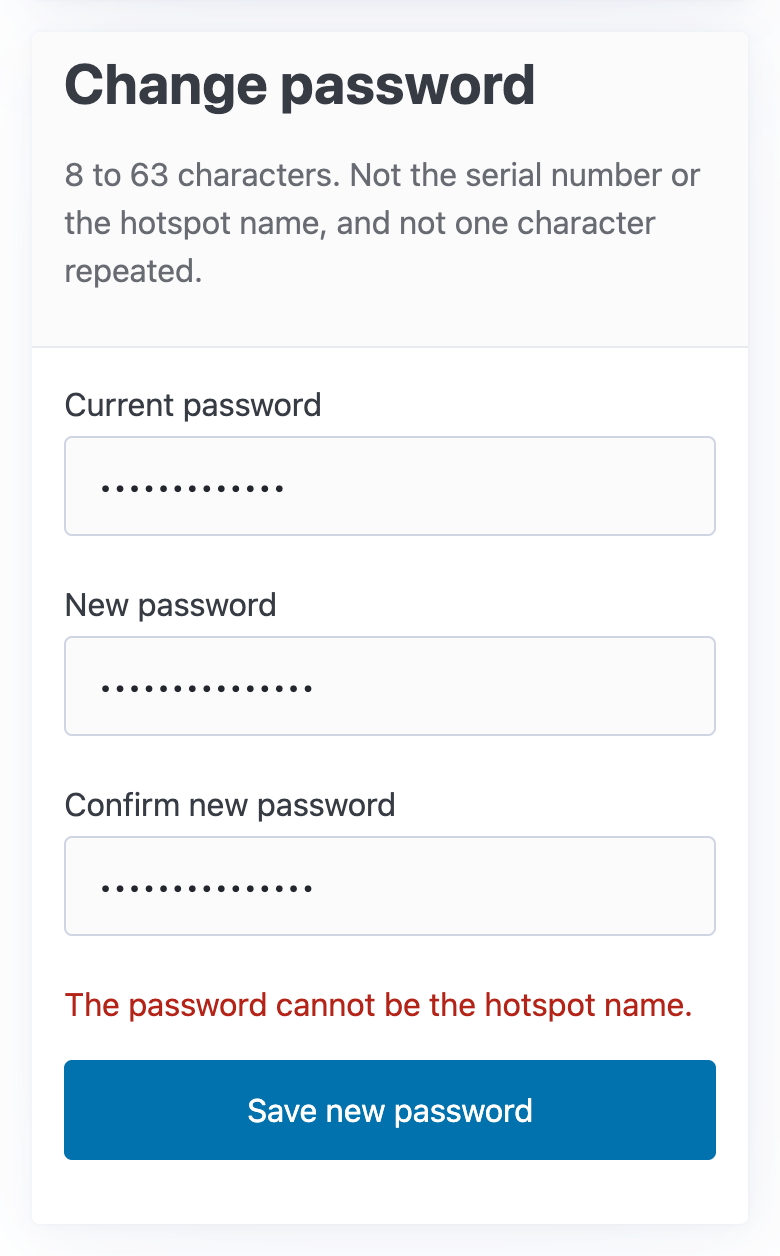
Under Change password, enter:
- Current password: the password you logged in with;
- New password, then Confirm new password.
The new password must be:
- 8 to 63 characters long, using letters, numbers, spaces and standard symbols
- different from the charger's serial number and from the hotspot name
- not one character repeated, such as
aaaaaaaa
-
Tap Save new password. The page says Saved, and Password now reads Changed on this charger on today's date.
-
If the hotspot is on, it restarts with the new password after a few seconds. A phone or laptop on the hotspot drops off. Join the hotspot again with the new password.
The next time you open the setup page, log in with the new password.
If it isn't saved
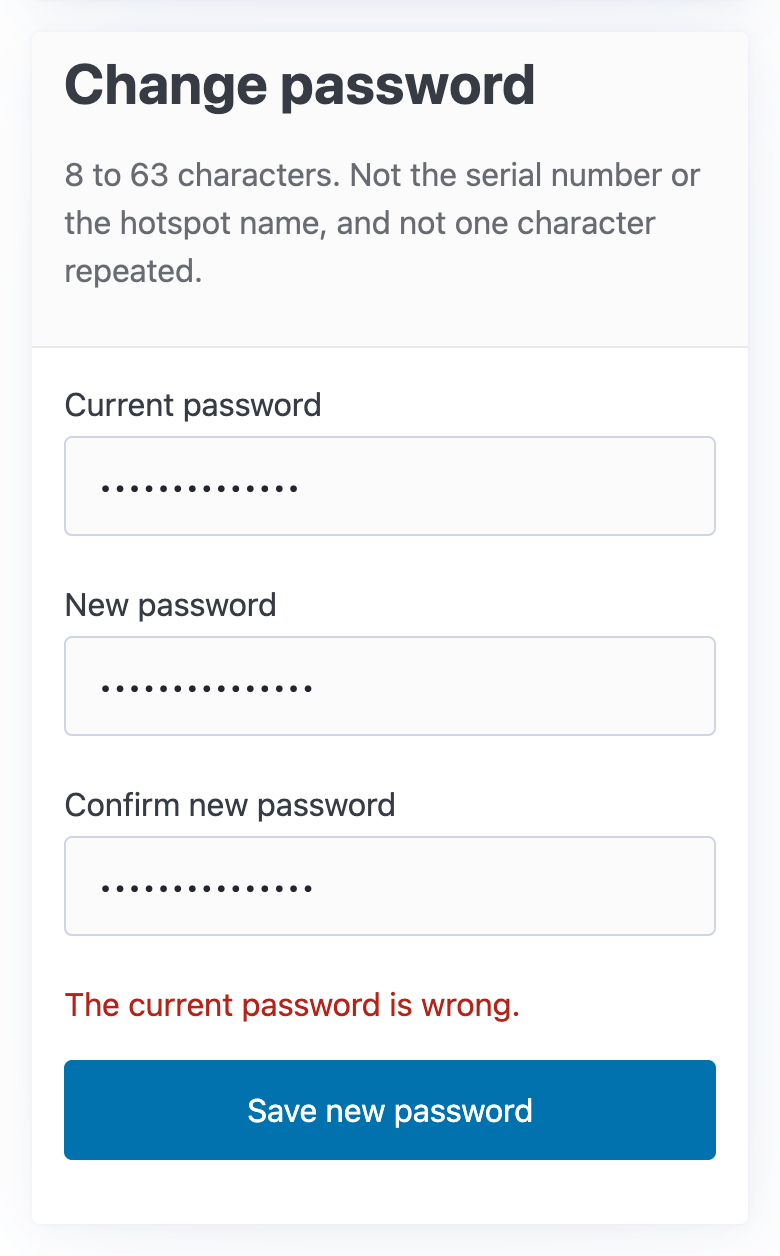
The page says why, above Save new password:
| The page says | What to do |
|---|---|
| The current password is wrong. | Enter the password you logged in with. |
| The password cannot be the hotspot name. | Choose a password that isn't PlugStream-XXXX. The page says the same for the serial number. |
If the charger has no password yet
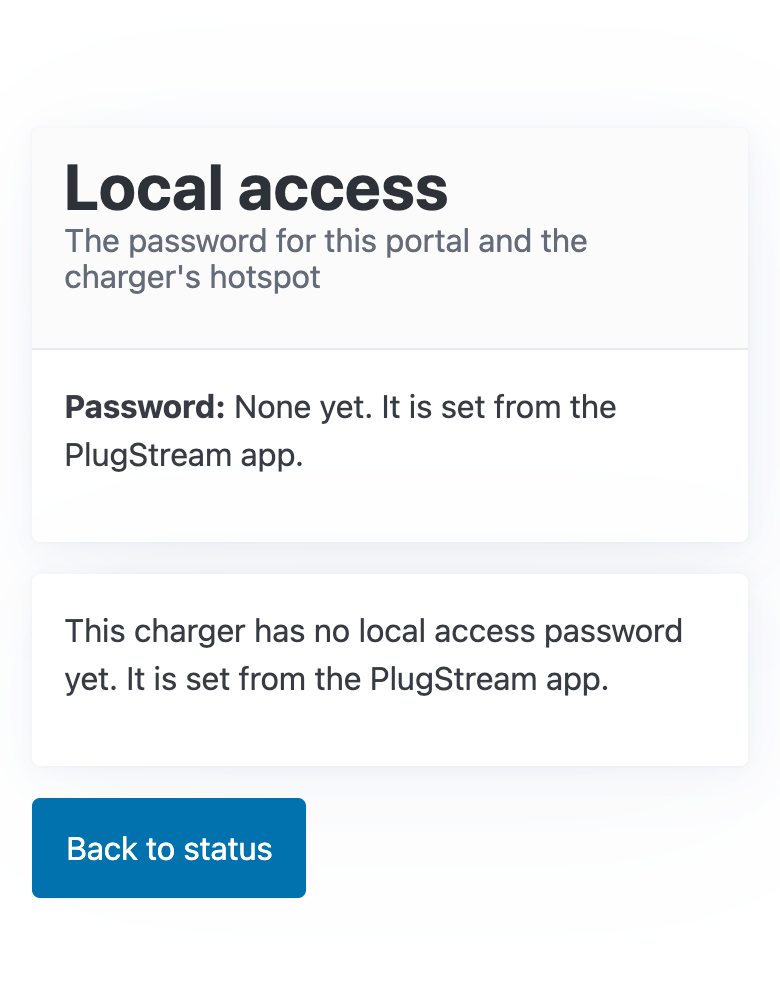
A charger that came without a Local access card has no local access password until PlugStream gives it one. The page then says This charger has no local access password yet. It is set from the PlugStream app. It has no form: the first password can only come from the app. See Your charger's local access password.